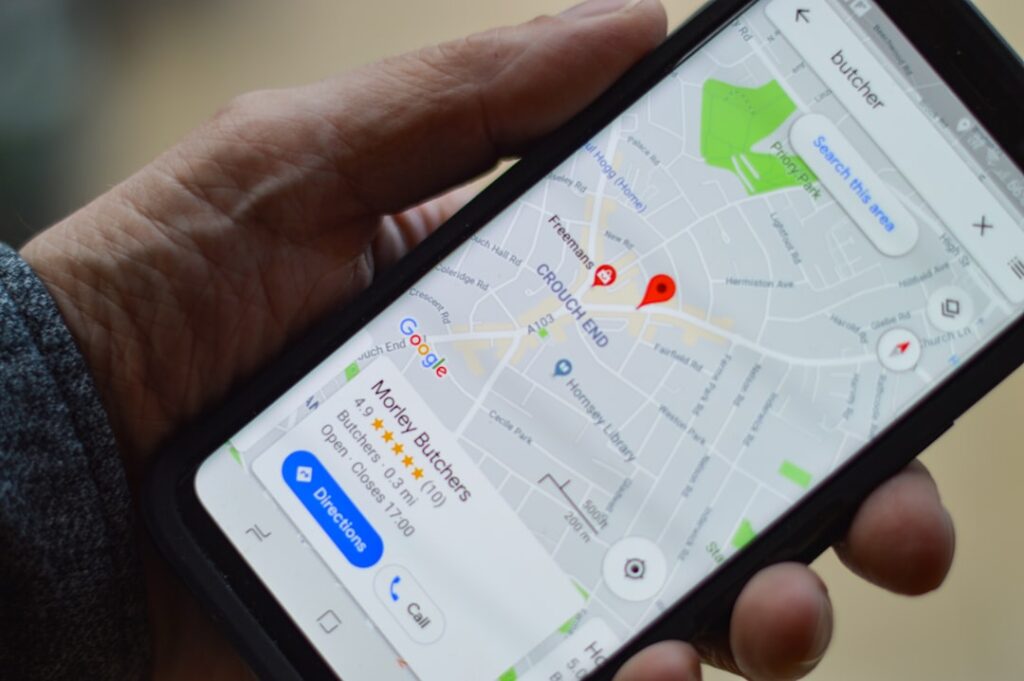
Picture this: someone nearby searches for exactly what you sell — “electrician near me,” “best chaat shop in [your area],” “packers and movers [your city]” — and your business doesn’t appear anywhere in the results. Not in the map pack, not in the list below it, nowhere. Meanwhile, two or three competitors show up every single time, complete with photos, reviews, and a “Call Now” button sitting right there for the customer to tap.
That customer doesn’t wait around to find you. They call the first result that looks trustworthy, and you never even know the search happened.
This is, without exaggeration, the single most common problem we hear from local business owners in India. And in almost every case, it isn’t bad luck, and it isn’t because “Google favors big companies.” It comes down to a handful of specific, fixable gaps in how the Google Business Profile (formerly Google My Business) is set up and maintained. Fix the right ones, in the right order, and visibility usually follows within a few weeks.
Below are the nine issues we check first when a business tells us “I’m not showing up on Google,” along with exactly how to fix each one.
1. Your profile isn’t verified
This is the foundation everything else sits on, so it comes first. An unverified Business Profile is treated very differently by Google’s local algorithm — in most cases it simply won’t be eligible to appear in the map pack or local search results at all, no matter how good everything else looks.
Log into your Google Business Profile dashboard and check the status shown near your business name. If it says “Unverified” or “Pending verification,” stop reading the rest of this list and complete verification first — usually by phone call, text message, email, or a postcard mailed to your business address. Verification can take anywhere from a few minutes to a couple of weeks depending on the method, so if you’ve been waiting on a postcard for more than two weeks, request a new one or try an alternate verification method from the dashboard.
2. Your business category is wrong or too broad
Google leans heavily on your primary category to decide which searches your listing is even eligible to appear for. This is one of the most underrated ranking factors, and it’s also one of the easiest to get wrong.
A tailor shop listed simply as “Store” instead of “Tailor” will rarely surface when someone searches “tailor near me,” even with excellent reviews and photos, because Google doesn’t consider it a strong match for that query in the first place. Similarly, a restaurant listed as “Restaurant” instead of “North Indian Restaurant” or “Biryani Restaurant” is competing in a much broader, harder pool than it needs to.
To fix this: go to Edit Profile → Business Information → Category, and choose the single most specific category that accurately describes your core business. Then add two or three relevant secondary categories to capture adjacent searches (for example, a bakery might add “Cake Shop” and “Coffee Shop” as secondary categories). Avoid stuffing in categories that don’t genuinely apply — that dilutes relevance rather than strengthening it.
3. Your name, address and phone number (NAP) don’t match everywhere
Search engines cross-reference your business details across the web — your own website, Justdial, Sulekha, IndiaMART, Facebook, Instagram, and dozens of smaller directories — to build confidence that your business is legitimate and located where you say it is. This is often called NAP consistency (Name, Address, Phone), and inconsistencies here quietly undermine trust even when nothing looks “broken” on the surface.
If your business appears as “Sharma Traders” on Google but “Sharma Trading Company” on Justdial and “Sharma Trader’s” on your Facebook page, Google has to work harder to confirm these all refer to the same business — and until it’s confident, it’s less likely to rank you prominently. The same applies to phone numbers: if you’ve changed numbers and old directories still show the previous one, that mismatch works against you.
Search your business name and current phone number in Google and go through every listing that appears. Update each one so the name, address, and phone number are worded identically everywhere, right down to abbreviations like “Rd.” versus “Road.”

4. You have too few reviews, or your reviews are old
Review count, review recency, and your average rating are among the strongest signals Google uses to rank local businesses — often more influential than owners expect. A profile sitting at 3 reviews from two years ago will consistently lose visibility to a competitor with 40 recent reviews, even if your actual product or service is better.
This matters because reviews tell Google (and customers) that your business is active, trusted, and currently operating — not just that it exists. A steady trickle of new reviews signals an ongoing, healthy business; a stagnant review count signals the opposite.
The fix here is process, not a one-time push. Ask every satisfied customer for a review at the natural point of service — right after a delivery, a completed job, or a successful sale, while the experience is still fresh. A short WhatsApp message with a direct link to your Google review page, sent at that moment, converts far better than a generic request sent days later. Aim for a steady stream of a few new reviews every week rather than a one-time burst of fifty in a single day, which can look artificial.
5. You haven’t added photos or posts recently
An inactive-looking profile raises a quiet red flag for Google’s algorithm: it can read a long gap with no new photos or updates as a sign the business may have slowed down, changed hands, or even closed. Since Google’s priority is showing searchers currently reliable results, an apparently dormant profile is a weaker bet than an active one — even if you’re very much open and busy.
The fix costs nothing but a few minutes a month. Add fresh photos regularly: your storefront, your products, your team at work, completed jobs, or happy customers (with their permission). Use the “Add Update” or “Posts” feature inside your dashboard every couple of weeks to share offers, new arrivals, festival hours, or recent work — treat it a little like a mini social media feed that lives directly inside your Google listing.
6. Your service areas or address don’t match where you actually operate
Related: if your listing shows up but sits below competitors on the map, see our guide on why your Google Business Profile isn’t ranking on Maps.
Many local businesses, especially service providers like electricians, plumbers, event planners, and packers-and-movers, serve a wider area than just their registered address. If your service area settings don’t reflect that, you’re invisible to a large slice of your actual customer base.
On the other hand, listing service areas far beyond where you genuinely operate is just as damaging — it dilutes your relevance for the areas that actually matter and can look like spam to Google’s systems if pushed too far (for example, a local plumber claiming to serve an entire state).
Go to Edit Profile → Service Area and list every locality, neighborhood, or nearby town you honestly serve — no more, no less. If your business is location-based (a shop or restaurant people visit), make sure your pinned map location is accurate down to the exact building, since a pin dropped even one street off can quietly hurt “near me” rankings.
7. Your website doesn’t reinforce your local details
If you have a website, Google doesn’t look at your Business Profile in isolation — it checks whether your website reinforces the same story: the same business name, the same address, the same phone number, and content that clearly mentions the areas and services you cover.
A generic, slow-loading website with no mention of your city, locality, or specific services works against you here. It gives Google less confidence that your business is a strong, specific match for local searches, and it gives potential customers less reason to trust you once they do click through.
At minimum, make sure your homepage clearly states your business name, service area, and what you do — in plain language, not just a logo and a tagline. If you’re a service business, dedicated pages for each core service (rather than one page trying to cover everything) tend to perform noticeably better in local search.
8. Your primary category and services list don’t cover what customers actually search for
Beyond the single primary category from point 2, Google Business Profile lets you add a detailed list of specific services and products under “Services” or “Products.” Many businesses skip this section entirely or fill in only two or three generic entries, missing dozens of realistic search terms customers actually type.
A salon that only lists “Haircut” is missing searches for “bridal makeup,” “hair spa,” “keratin treatment,” and “beard styling” — all of which might be services they already offer. Each specific service you add is effectively another door through which a relevant search can find you.
Go through your Services section and list everything you genuinely offer, using the same words a customer would search, not internal jargon. This is quick to do and often uncovers easy wins within a single sitting.
9. You’re not tracking any of this, so problems go unnoticed for months
The final reason many profiles stay invisible for a long time isn’t a technical mistake at all — it’s simply that nobody is watching. Business owners set up their profile once, get busy running the business, and don’t check back in for months. Meanwhile a review goes unanswered, hours become outdated over a holiday, or a competitor quietly overtakes them on category selection or review count.
Set a recurring reminder — weekly is ideal, monthly at minimum — to log in, respond to new reviews, check your Insights tab for how customers are finding you, and confirm your hours and details are still accurate.
Wondering whether GMB optimization or paid ads will get you leads faster? We break it down in Local SEO vs Google Ads: Which Generates More Leads?
The fastest way to know exactly what’s wrong with your listing
In our experience, it’s rarely all nine of these at once — usually a specific one or two issues are quietly doing most of the damage for a given business, and fixing just those is enough to see a real shift in visibility within a few weeks.
Want a free audit of your Google Business Profile? We’ll go through it against this exact checklist and tell you precisely what’s holding you back — no obligation. Message us on WhatsApp or visit our website to get started.